🔵 The Big Blue Button
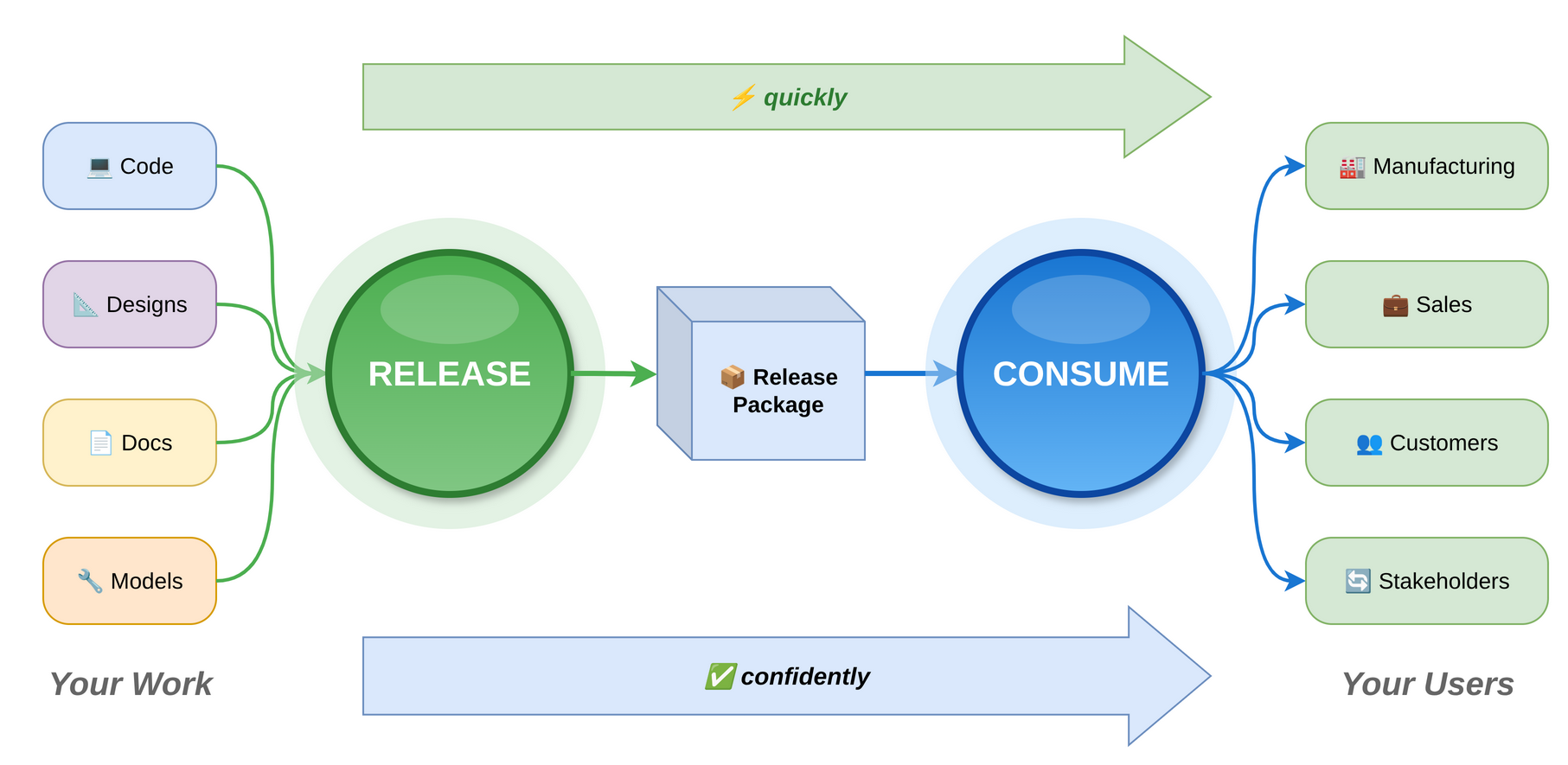
In the past days, we've been focusing on the Big Green Button, but there is another side of this - what happens after the release? Does the release get used? If not, why not? If a release does not get used, there is little point in releasing.
There are several aspects to consider in the usability of a release:
- Communicating to users that a release is available and relevant to them.
- Making it easy to consume the release.
- An efficient way to support and get feedback from users.
We have a Big Green Button to create a release, so let's continue the analogy with a Big Blue Button that makes it easy for a user to consume a release. We can't just throw something over the wall (that may be technically very good and complete) and expect magic to happen without any consideration for the user. What does the Big Blue Button include?
- Clear documentation, tutorials, videos.
- Well organized assets that are consistent from release to release.
- An easy way to obtain/install/update the release.
- Built-in help functionality, diagnostics, automated error reporting.
- A community where the user feels included, supported, and part of something bigger than themselves. This is important to have, even early on when the internal team is the only user base.
One of the key warning flags is when a bunch of hand-holding and personalized help is required for someone to use a release. Can manufacturing take what the team produced and run with it? Can someone use a software service without personalized support? Can someone set up and configure a product without a dozen support calls? The point is not to avoid talking to users, but rather to talk to them after they have used the product and can add value to the development process.
There needs to be a symmetry between the Big Green Button and the Big Blue Button - easy to produce and easy to consume, otherwise the flow will stall. These are the factors that will differentiate developers and products in the AI age.